ESP
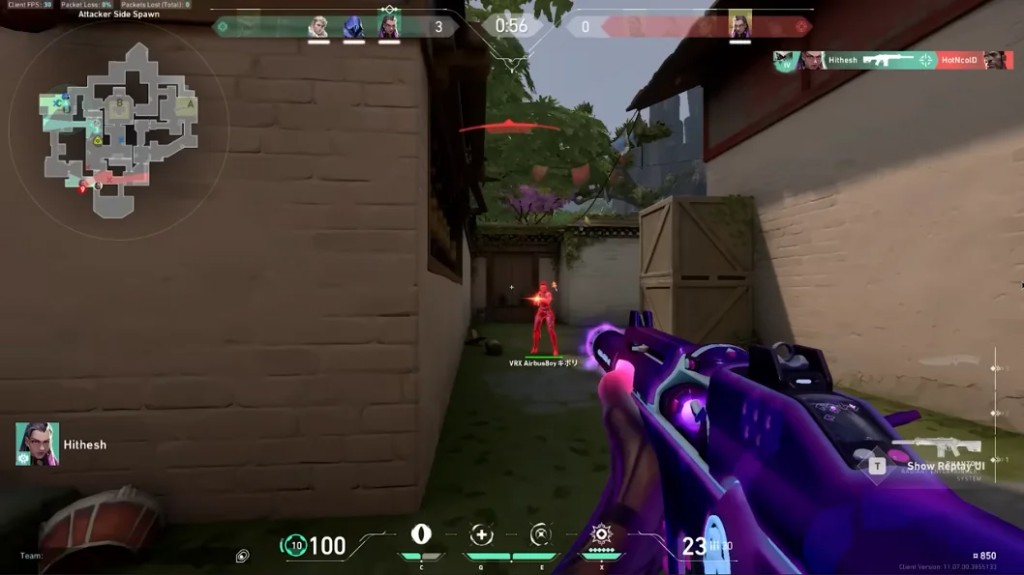
Ability ESP is on but the screen is a mess — every tripwire and molly shows at once. Ascent mid is unreadable.
How do you filter traps and utility ESP so only what matters shows? Per-agent toggles must be somewhere in the menu.

ESP
Ability ESP is on but the screen is a mess — every tripwire and molly shows at once. Ascent mid is unreadable.
How do you filter traps and utility ESP so only what matters shows? Per-agent toggles must be somewhere in the menu.
Turn off agents you are not fighting — I disable half the utility list on Ascent mid.
Distance filter on trap ESP helps. I cap at 25m so far trips do not paint the screen.
Use per-agent toggles for ability and trap ESP, set max distance, and bind combat mode to hide utility ESP in duels. Full list on Features.
Where are per-agent toggles — under world ESP?
Yeah, ability section. I only keep spike, sage wall, and common trip lines on.
Save a config preset per map. I have one for Bind and one for Haven.
Distance cap plus preset fixed Ascent. Thanks.
Combat mode hotkey is the other half — see combat mode thread.